Greater control over batch allocation for Custom Orders
We've introduced a significant enhancement to Custom Orders, giving retailers much greater flexibility over how inventory batches are allocated during fulfilment.
Previously, batch allocation was handled automatically, often making it tricky to meet specific customer or retailer requirements. With this update, you can now decide exactly how inventory should be allocated when creating a new Custom Order or editing an order that's still in Draft.
You can now choose between three allocation methods:
- Oldest available batch (FIFO) – ideal for standard stock rotation
- Minimum shelf life – allocate stock that meets a specified minimum expiry date
- Specific batch – reserve inventory from an exact batch where required
These options make it much easier to manage shelf-life expectations and reserve stock for specific customers or promotions.
The functionality is available whether you're creating orders manually, uploading Custom Orders in bulk or submitting them through the Public API, giving you the same level of control regardless of how orders enter the platform.
Product uploads have also been improved
Alongside the batch allocation enhancements, we've updated both the Custom Order Upload and Product Upload templates.
Products can now be configured as either Batch Controlled or Serial Controlled during the upload process, reducing manual setup after import and helping ensure inventory tracking settings are applied consistently from day one.
To take advantage of these improvements, simply download the latest versions of the upload templates from the platform.
More flexibility with warehouse-based fulfilment
We've also introduced greater control over how orders are fulfilled across your warehouse network.
Previously, selecting a default warehouse simply gave that location priority during fulfilment. If inventory wasn't available, the platform could still consider alternative warehouses when processing the order.
With this latest enhancement, you now have the option to enforce fulfilment from a single warehouse only.
When enabled, orders will only be fulfilled from the warehouse you've selected, preventing the platform from automatically routing them elsewhere.
This additional level of control is particularly valuable for businesses managing:
-
Regional inventory allocation
-
Customer-specific fulfilment agreements
-
Warehouse-specific inventory strategies
-
Operational workflows where stock must remain within a specific location
Developed following customer feedback, this update gives retailers another way to tailor fulfilment around the unique requirements of their business.
What's coming next?
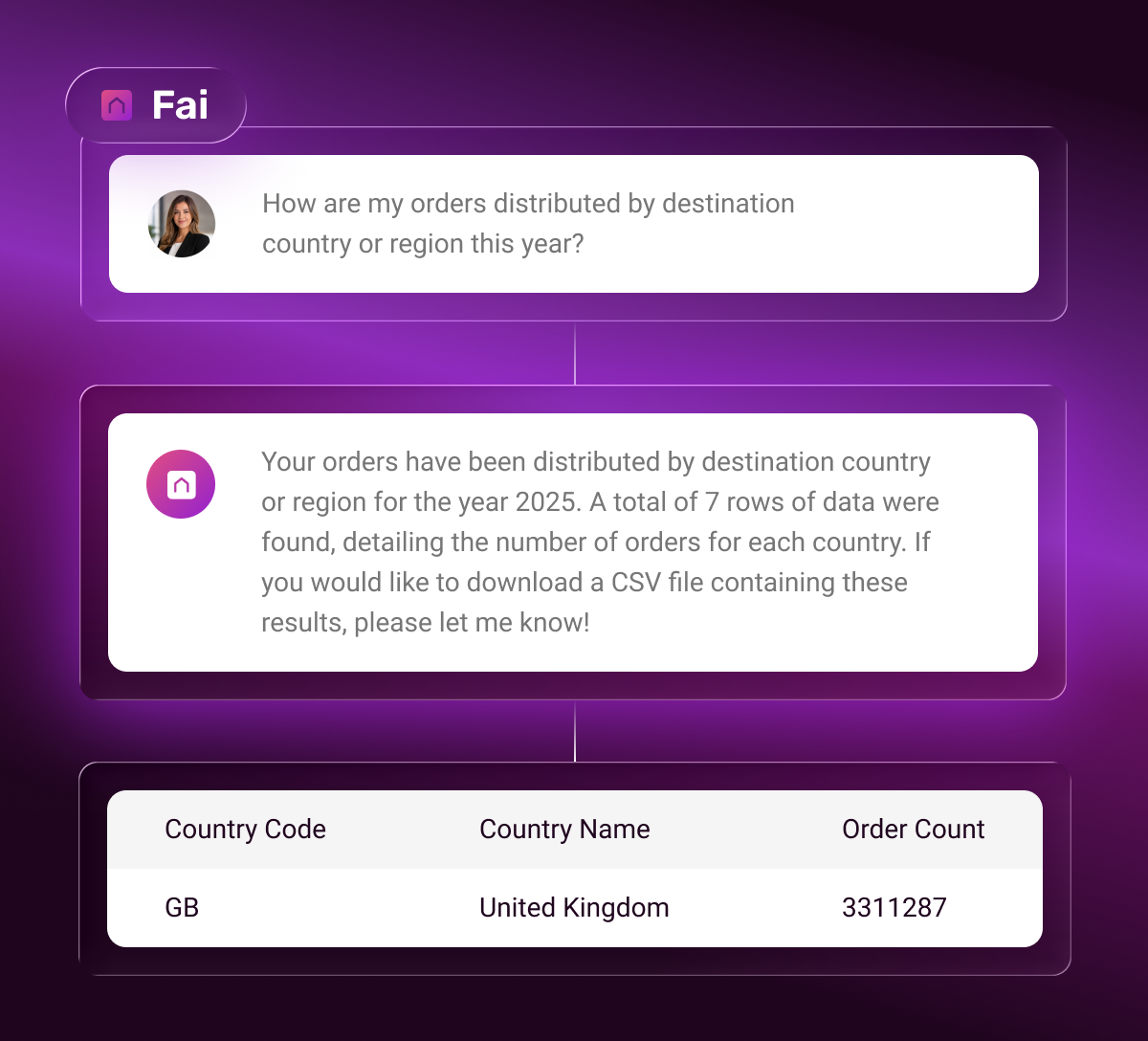
Alongside recent releases, we're continuing to test how Fai – our AI support agent – shows up in the platform.
The next step for Fai
Over the coming weeks, we'll begin testing the next evolution of Fai, our AI support assistant.